How to follow your series on Apple TV
Set up Rekko on iPhone, open your series list on Apple TV and check where to watch a recommendation from your circle.
Save a series on iPhone
Open Discover, search for a series and open its details. Set it to “To watch” to keep it in My List. If a friend recommended it, open the recommendation in your circle and save the series from there.
Find your list on Apple TV
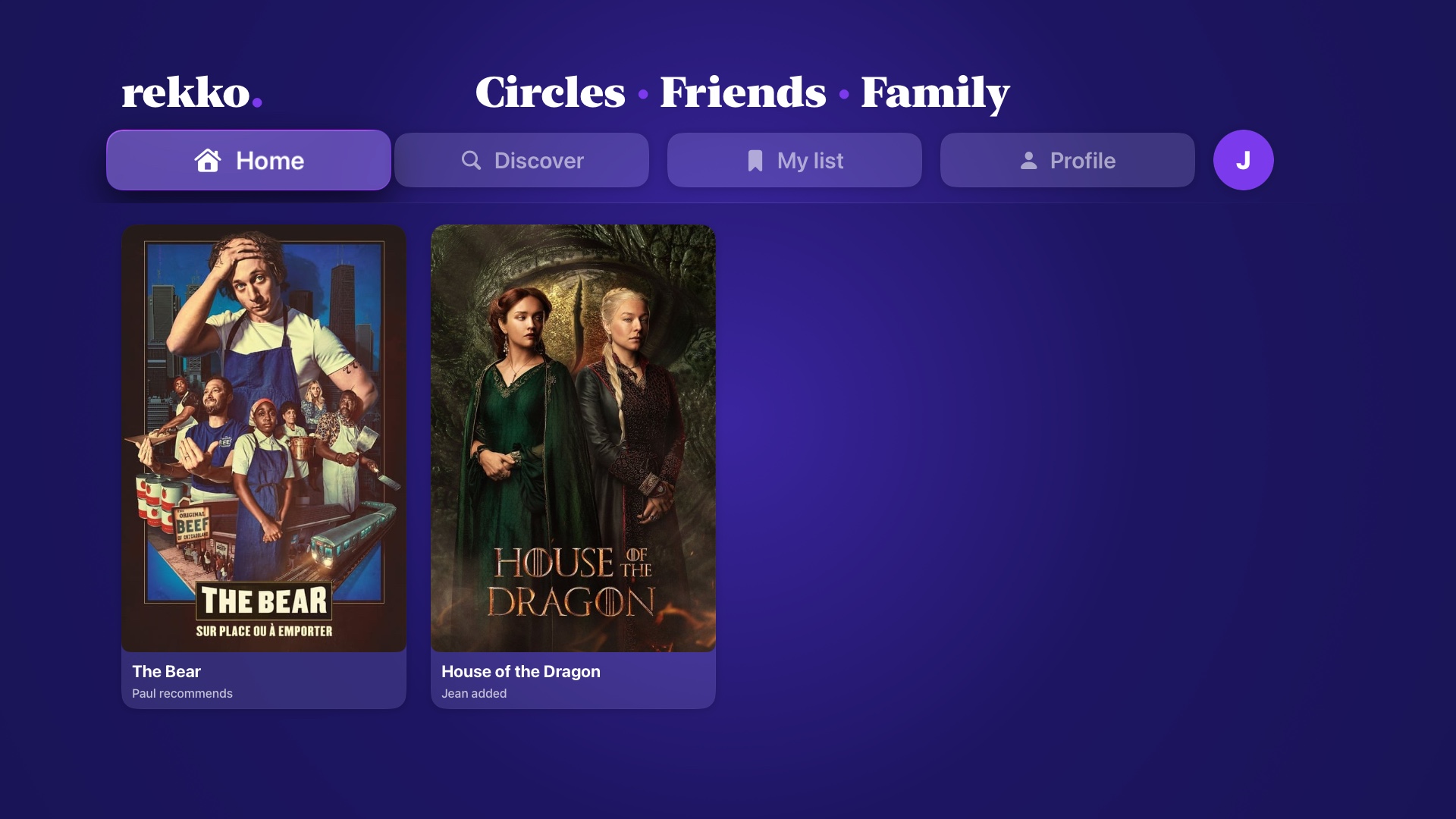
Open Rekko on Apple TV using the same iCloud account. In My List, select the status you used on iPhone. If the list is showing titles in progress, switch the filter to “To watch” to find the series you saved. Select its poster with the remote.
Check where the series is available
On the series details screen, “Where to watch” opens the Apple TV app. Check which service carries the title in your country and whether your subscription includes it. If your list is missing, check the iCloud account on both devices first.